
Photoshop for ICM and multiple exposures
Take your photography to the next level with creative photoediting! We will teach you how to combine images, use blend modes to create artistic results — and more. This course is taught by professional designer with 20 years of Photoshop experience, Laura Haapamäki.
Only £65. Or if you'd like Laura to review your images, the course + review version costs £110.
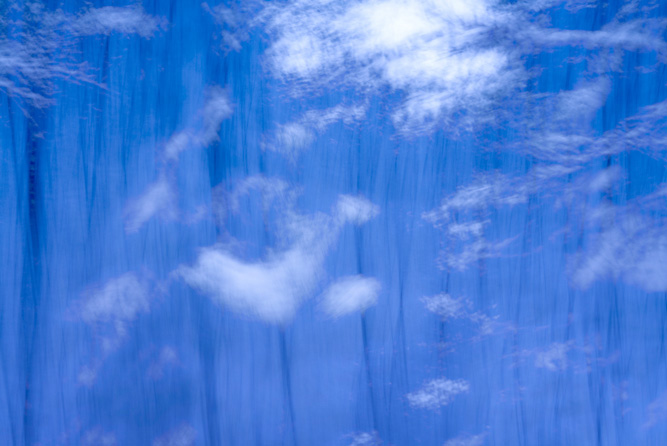
Here is what You will learn:
This self-study course includes 8 lessons and almost an hour of video instructions with step-by-step examples. You can do it at your own pace, using your own photos or downloadable practice files.
We will explore:
1.
How to create multiple exposures in Photoshop
2.
How to use blend modes for creative effects
3.
How to use layer masks to hide parts of an image
4.
How to select and edit specific colors in an image
5.
PLUS: Inspiring creative examples!
New possibilities for your photographs
Editing your photos creatively opens up new many possibilities. Join now and start transforming your images today! In this course you will learn how to combine your photos to get abstract, unique results. All students get access to our private Facebook group where you can post your edits and ask questions from the teachers and other students.
You can select affordable self-study or a version with teacher review
This course comes in two versions;
£65 - Affordable basic version, and;
£110 - Review version, where after the course you can send 4 photos to the teachers for feedback.
The lessons are identical, the only difference is the feedback. Both version you can do at your own pace, where ever and when ever you want.
FAQ
Do I need experience with Photoshop?
This course is not for complete beginners, you do need to know the basics on where to find common tools, how to create and save files, and such. You do not need any experience with multiple exposures or layers. Also, please note that there is a lesson on the basics how to to edit ICM photographs in our Elementary course.
Can I use an old version of Photoshop or Photoshop Elements?
Yes! You can complete this course with any version of Photoshop that is made in past 20 years. Photoshop elements has most of the same tools too, but the buttons will be in different places.
Can I use Lightroom?
You do need Photoshop, you can not complete the course in Lightroom only. But, if you are familiar with Lightroom, then Photoshop should not be that hard to learn, and it will not cost much extra.
Can I use some completely different software?
You can take the course and get inspired and then apply what you learn to your software, but I can not quarantee it has all the options.
Affinity Photo has all the tools we use in this course but the buttons are in different places.
How long do I have access to the course? How long does the course take?
You get lifetime access.
The course takes 2-3 days if you do all the exercises once and you have some experience. It will take longer if you do not have any experience, or if you do each exercise several times with multiple photos (which we recommend).
I need a teacher's help to learn Photoshop!
In this case, we offer 1-on-1 Photoshop teaching too, take a look at Photoediting Help.
Why You should Take this course
1.
Easy-to-follow lessons with clear explanations
2.
Perfect for ICM and other abstract photographers
3.
Learn at your own pace with lifetime access
Testimonials
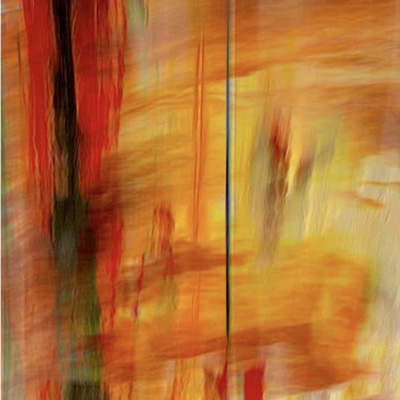
“Up until recently I did not have a use for Photoshop other than to make borders around my images. But lately I have felt the need to add Photoshop to my editing toolbox so signed up for the Creative Editing course. Today, after the first course video something finally clicked.”
— Alison Pritchard, USA
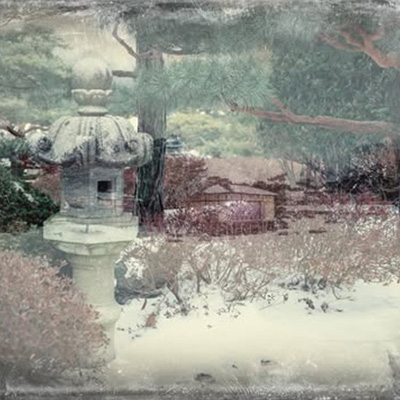
"I wanted to create images like this composite, but didn't have the tool set to even begin with. Then with ICM Photo Academy’s new Photoshop class I'm able to get the images out of my head finally and work in a new way."
— Jan Terry, USA
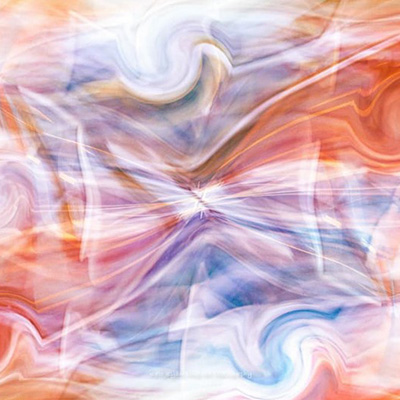
"I signed up for the 8 session Creative editing self-study course at the ICM Photo Academy. Although I have some experience working in Photoshop, I decided I could use further study. Playing with warp tools a bit more than I have in the past, along with layers and blend modes. It was very meditative and much needed."
— Kate Ryan, USA

"You are opening a whole new world to me with your lessons."
— Kathy Ward, Canada
"I am enjoying this photo editing course! I am not a regular Photoshop user, but I find the tutorials and videos very helpful. I can also reach out to members of the community who are always willing to help. This course is the boost I needed to be more creative with my ICM images."
— Marian Adoranti, Canada
"At this rate I won’t get off the layering lesson LOL!!! Layering ICM images is so much fun. The possibilities are endless."
— Val Wardell, New Zealand

ICM Photo Academy
Self-Study Courses:
© Copyright 2026 ICM Photo Academy